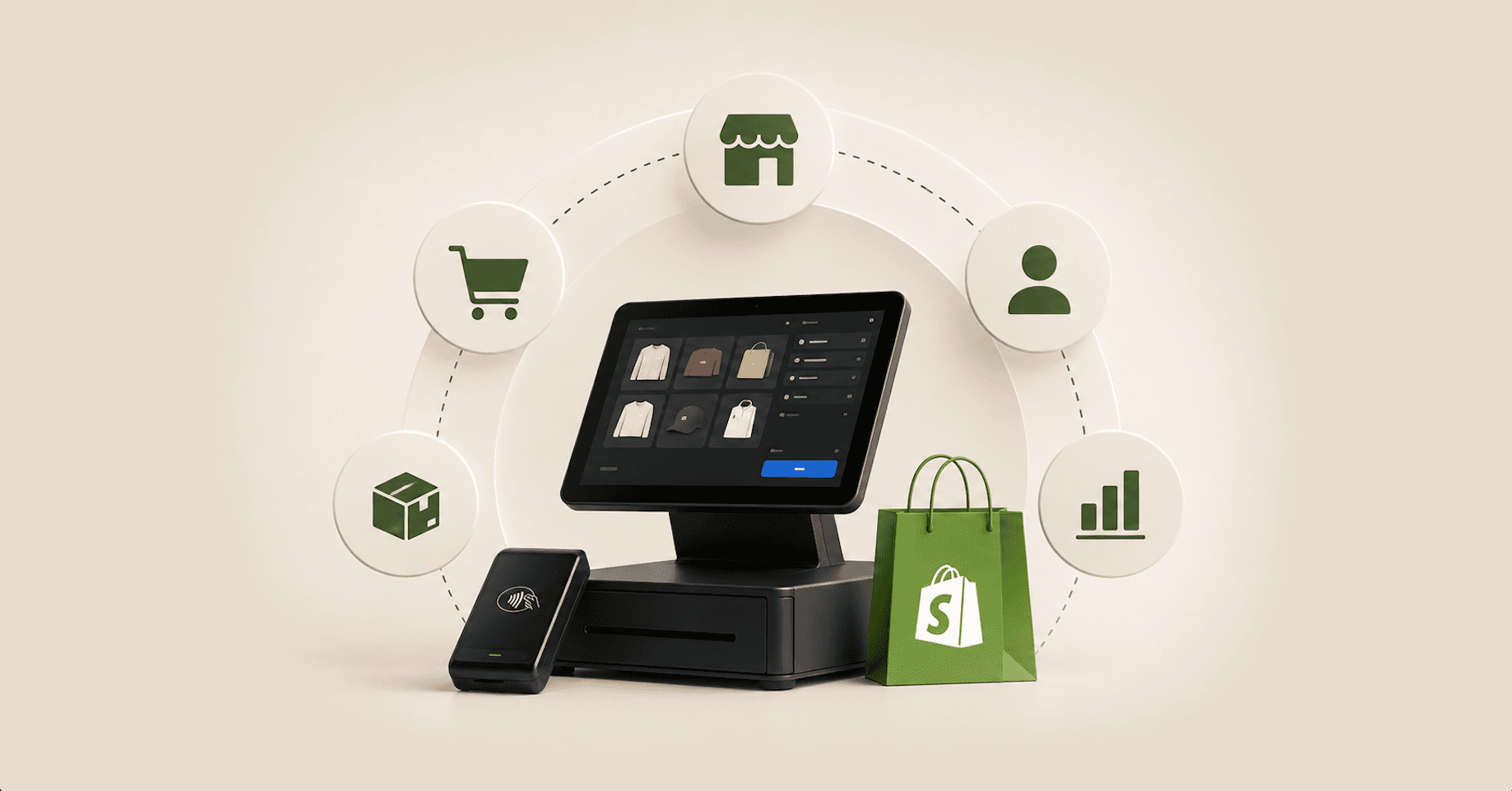
Selling in a store and selling on a website are two different jobs right up until you try to run them as one business. Shopify POS is the piece that’s supposed to close that gap. Whether it does has less to do with the feature list than with what sits underneath it: one catalog, one customer record and one order ledger, or two systems politely exchanging files.
Prices are US dollars, as of August 2026, and Shopify moves them, so re-check anything you’re about to spend money on.
Unified commerce and omnichannel aren't the same thing
What is omnichannel commerce? It’s a term from 2011, coined in Harvard Business Review by Darrell Rigby, who argued retailers needed “an entirely new perspective, one that allows them to integrate disparate channels into a single seamless omnichannel experience” (HBR, December 2011 (opens in new tab)). He was describing what the customer sees.
The academic definition that followed drew the line somewhere more useful than channel count. Verhoef, Kannan and Inman contrast multichannel management, which sets objectives as “sales per channel,” with omnichannel management, which sets them as “total sales over channels” (Journal of Retailing, 2015 (opens in new tab)). That’s a reporting and systems distinction, not a marketing one, and it’s the distinction Shopify POS either delivers or doesn’t.
What is unified commerce? It’s the back-end half of the same idea. Shopify’s marketing frames it as running store and online operations “on one platform, no integrations, middleware, or workarounds,” with “one platform, one data model, and one back office” (Shopify, vendor claim (opens in new tab)). Strip the sales language and the vendor and the academics agree: omnichannel describes what the customer experiences, unified commerce describes whether one system of record produced it.
A unified commerce platform, in that framing, is just one where the point of sale and the online store read and write the same records instead of syncing between two. Shopify POS is how that gets built on Shopify, and the gap between the promise and the configuration is where the money goes.
The commercial reason to care is federal. E-commerce was 17.1% of US retail sales in Q2 2026, seasonally adjusted, leaving roughly 83% of retail happening somewhere other than a website (US Census Bureau, released August 18, 2026 (opens in new tab)). That denominator excludes food services and includes car dealers and gas stations, so read it as a share of retail goods rather than all consumer spending.
Split systems remain the normal state. Surveying 200 senior leaders at retail, consumer goods and e-commerce organizations in Q3 2025, IBM and the NRF found more than half, 54%, reporting persistent challenges across channels and systems (IBM and NRF, January 2026 (opens in new tab)).
What Shopify POS actually replaces
What is Shopify POS? It’s an app that turns an iPhone, iPad or Android device into a register wired to the same Shopify store that runs your website. Shopify documents the floor as an iPhone 7 or newer on iOS 15.1, an iPad generation 5 or newer on iPadOS 15.1, or a phone or tablet on Android 10 with Google Play Services, and states the app doesn’t run on laptops, desktops or Fire tablets (Shopify Help Center (opens in new tab)).
What matters architecturally is what Shopify POS doesn’t duplicate. Products, customers, orders and inventory locations already live in your Shopify admin, and a Shopify POS location reads and writes those same records instead of keeping a parallel set. That’s the whole difference between a Shopify POS system and a point of sale system that happens to sit next to a Shopify store.
If you’re arriving from a standalone Square, Lightspeed or Clover setup, that’s the real project. You’re not adding a register, you’re consolidating two systems onto Shopify and retiring one, and the Shopify POS decision comes after that consolidation rather than before it.
One naming note, because Shopify’s own pages and most coverage disagree. The free tier was long branded POS Lite; Shopify’s pricing page (opens in new tab) now calls it casual in-person selling included with all paid plans, and the help center comparison (opens in new tab) columns read “Included with all paid plans” against “Shopify POS Pro.” If a guide still presents POS Lite as current naming, it predates Shopify’s current pages.
Shopify POS hardware: the counter, the pop-up, the second location
What equipment is compatible with Shopify POS? Less than most people budget for, and the cheapest Shopify POS hardware is the phone already in your pocket. Tap to Pay puts card acceptance on a device you own, with no device cost and no separate fee, billed at your standard in-person Shopify Payments rates.
On iPhone it needs an iPhone XS or newer running an iOS version Apple still supports for the feature, and Shopify documents it in 16 countries (Shopify Help Center (opens in new tab)). On Android it needs Android 13 or higher with security patches from the last 12 months, documented in 18 countries (Shopify Help Center (opens in new tab)). The Android list is the broader of the two, adding Finland and Singapore, so check your market against the specific list rather than assuming parity across a multi-country Shopify POS estate.
Which iPad works with Shopify POS? Whichever one you have, until you buy a hub. The Shopify POS app’s floor is iPadOS 15.1, but the POS Hub, Shopify’s 2026 fix for Bluetooth peripherals dropping out, requires iPadOS 18 or higher (Shopify Help Center (opens in new tab)).
A store whose older iPads run Shopify POS perfectly well can’t adopt that wired-reliability fix without replacing tablets. Tap to Pay on iPhone is documented as iPhone-only and explicitly not available on iPad, and Shopify documents no Android tablet as supported either, so reusing the tablet you already own is the wrong plan for that specific feature.
Counter prices, US list, as of August 2026: the Shopify POS Terminal is $349 (opens in new tab) with its dock included, and Shopify’s own countertop kit builder prices the POS Hub at $69, the Bouncepad Eddy stand at $149, barcode scanners between $209 and $299, receipt printers at $289 and cash drawers at $139 (Shopify hardware store (opens in new tab)). Our arithmetic off those list prices puts a maximum single lane at $1,294 before any kit discount. Every step in that builder is skippable, which is as close as Shopify comes to conceding that nothing beyond a payment method is mandatory.
Three details about Shopify POS hardware cost people money when they get them wrong. The $49 Tap & Chip Card Reader is sold as US only, and Shopify’s global card-reader matrix lists the WisePad 3 as the equivalent everywhere else (Shopify Help Center (opens in new tab)). Any HID barcode scanner works because HID scanners emulate a keyboard, and the device camera scans 1D and 2D barcodes natively (Shopify Help Center (opens in new tab)).
The third is the cash drawer, which is a slave to the receipt printer rather than to Shopify POS, cabled to the printer instead of the tablet (Shopify Help Center (opens in new tab)). A drawer bought without a printer or a hub is a box you open by hand. On third-party gear generally, Shopify’s stand documentation says it cleanest: “You can use other stands, but only the stands listed here are included in our support policy” (Shopify Help Center (opens in new tab)).
Two currency notes before you build a Shopify POS hardware budget. POS Go is no longer available for sale (opens in new tab) and loses mobile selling on May 26, 2027, at which point existing units become countertop terminals; Shopify’s migration guide adds that it enters maintenance mode on January 1, 2027 (opens in new tab), still working but no longer receiving regular software updates. Its named replacement, the Verifone Victa Mobile at $399 (opens in new tab) plus a $50 base, is listed as expected to ship in August 2026.
Geography is the other constraint people meet late. Shopify Payments supports online payments in roughly 40 markets but in-person selling in 18, including Australia, Canada, France, Germany, Singapore, the UK and the US (Shopify Help Center (opens in new tab)). Selling online across Europe doesn’t mean you can open a Shopify POS register in every one of those countries on the same rails.
Here’s how we’d shape Shopify POS hardware by store type. This is our recommendation rather than Shopify’s, since Shopify publishes guidance by where you sell rather than by what kind of store you run.
- Pop-up or market stall: a phone you already own, Tap to Pay, email receipts, nothing else.
- One store, one lane: a terminal and a stand, plus a printer only if paper receipts are a legal or tax requirement where you trade.
- Multi-lane store: repeat the lane, and treat the hub as load-bearing rather than optional, because its stated job is preventing the Bluetooth dropouts that multiply when several wireless peripherals share a room.
- Multi-location: standardize on one reader model per country before anything else, because the Shopify POS hardware catalog itself differs by market.
One gap worth naming: Shopify neither sells nor documents a retail weighing scale, only shipping scales (Shopify Help Center (opens in new tab)). If you sell by weight at the counter, you’re solving that outside Shopify’s supported list.
What's included free, and what Shopify POS Pro costs
How much does a Shopify POS system cost? In-person selling is included with every paid Shopify plan, and Shopify POS Pro is an add-on at $89 USD per month for each POS Pro location (Shopify pricing (opens in new tab)). Platform plans run $39 monthly for Basic, $105 for Grow and $399 for Advanced, with Plus starting at $2,300 per month, and in-person card rates of 2.6%, 2.5% and 2.4% plus 10 cents by tier (Shopify pricing (opens in new tab)).
Shopify publishes no in-person rate for Plus, and notes on that page that rates were accurate as of August 17, 2026 and vary by country. Its documentation confirms an annual-billing discount on Shopify POS Pro exists without publishing the number, so treat any specific annual figure you see elsewhere as unverified. At list, Pro is $1,068 per location per year, which is our arithmetic on the published monthly price.
The free Shopify POS tier does more than take money. Multi-location inventory, orders and customer management, gift card sales and redemption, camera barcode scanning, refunds, offline cash payments, staff PINs, email and SMS receipts, and discount codes and manual discounts are all marked as included with all paid plans (Shopify Help Center (opens in new tab)).
What is Shopify POS Pro? Practically, it’s the omnichannel half of the product. Ship to home, ship and carry out, pickup in store, local delivery fulfillment, exchanges, order cancellations, save and retrieve cart, email carts, fulfilling and receiving transfers, tracking and adjusting inventory, daily sales reports, in-app retail analytics, custom printed receipts, automatic discounts, retail staff permissions, unlimited POS-only staff and a two-year hardware warranty all sit on the Pro side of the line.
Each fulfillment doc repeats the same sentence, which is the clearest gating signal Shopify gives: “This feature is available only for locations that are currently on the Shopify POS Pro subscription” (Shopify Help Center (opens in new tab)). Read across those docs and the shape of the product is plain. Free Shopify POS is a register, and Shopify POS Pro is the unified commerce half.
So if the reason you’re doing this is that a customer should be able to buy online and collect in store, there’s no version of the project without the per-location fee. Two terms soften it. Shopify POS Pro features run on a three-day trial when you start, and the first 20 Shopify POS Pro locations are included in every Shopify Plus plan.
Cross-location inventory is where Shopify POS earns or loses the argument
Inventory records drift, and the published measurements of how far are worse than most operators expect. A 2026 study of a European grocery retailer, covering 139,828 SKU-level observations across 11 stores, found 64.7% of inventory records inaccurate and 39.4% negatively inaccurate, meaning the system claimed more stock than physically existed (Rekik, Oliva, Syntetos and Glock, open-access preprint (opens in new tab); published in the Journal of Business Logistics, DOI 10.1111/jbl.70079 (opens in new tab)). The authors place that 64.7% inside the 50% to 70% range previously reported in the literature, so treat it as a band rather than a point estimate, and remember it’s grocery. The number a Shopify POS location shows a shopper is only ever as good as the count behind it.
Negative inaccuracy is the precondition for an oversell and for the failed pickup that follows it. It isn’t the only cause of either, since picking errors, damage found at the shelf and routing faults all produce the same customer experience with an accurate record behind it. What Shopify POS changes is which of those causes you can still blame on the software.
That number is also the reason Shopify POS isn’t a data-quality strategy by itself. The drift comes from ordinary things: staff zeroing out a count while stock sits in the back room, theft going unrecorded, damage not written off, a return credited to the wrong SKU, a shipment arriving short. Returns matter most here, because a return is the classic cross-channel process: bought online, handed back at a counter, restocked to whichever location processed it.
Shopify’s documentation is more precise than its marketing about what one view of inventory means. Per the docs, “each location’s inventory is independent and can’t be shared or pooled with other locations,” and orders are assigned to locations by your routing configuration (Shopify Help Center (opens in new tab)). That’s one dashboard over independent per-location counts plus rules, not one shared bucket.
It’s still a real improvement on two disconnected systems, and it still isn’t what most people picture when they read “unified inventory.” The workflows that keep those per-location numbers honest are gated as well. Tracking and adjusting inventory, receiving stock transfers, and fulfilling and receiving transfers are Pro-only, so on free Shopify POS your staff can change quantities but can’t run the receiving and transfer flows.
Can you use Shopify POS offline? Partly, and the limits are worth knowing before a router dies mid-Saturday. Cash and manual payment methods keep working along with the scanner, printer and drawer, but logging in, creating or searching customers, gift cards, tips, saved carts, shipping orders, exchanges, returns and pickup orders all stop (Shopify Help Center (opens in new tab)).
The same doc warns that “logging out of Shopify POS, or turning off the device might cause loss of offline orders.” Offline card acceptance is a separate opt-in, and Shopify states that “offline transactions aren’t routed to the payment processor. You might not know that a transaction has failed until you reconnect to the internet” (Shopify Help Center (opens in new tab)). That’s a risk you’re accepting on behalf of the business, not a feature you’re enabling, and it’s worth deciding before a Shopify POS launch rather than during an outage.
Pickup, ship-from-store and endless aisle in Shopify POS
What is omnichannel fulfillment? It’s the set of paths where the order and the stock start in different places: buy online and collect in store, buy in store and ship home, buy online and have a store ship it, or sell from the register an item the store doesn’t hold.
The cleanest evidence that all of it depends on a single inventory record is Nordstrom’s own SEC filing. It states that “for more than 10 years, our Full-Price business has been able to use all sources of inventory across stores and fulfillment centers by having a single view of inventory,” and that only after launching those capabilities in Nordstrom Rack could that banner offer “online order pickup, expanded selection, and store fulfillment” (Nordstrom Form 10-Q (opens in new tab)). One company, two banners, and the banner without a single view of inventory couldn’t offer pickup at all, for a decade.
When the record is wrong, the failure rate is measurable. A 2025 Journal of Retailing study of 64,748 store-fulfilled online orders at a European grocer found 79% of orders had at least one fulfillment failure, averaging 2.49 failures and about 8% of the SKUs in an order (Amorim, Eng-Larsson and Rooderkerk (opens in new tab)). Its mechanism sentence is the argument in one line: “when online customers place orders, the retailer accepts based on estimated future product availability, but such estimates often prove false at the time of picking.”
The same study cuts against the easy fix. Substitution is what most teams reach for, and the authors found that mitigation efforts, substitutions in particular, “often exacerbate delays and compound the dissatisfaction,” with failures delaying the customer’s next order by 7.22% on average. That’s grocery, in Europe, on 2016 to 2017 data, so don’t transplant the rate onto apparel. Take the direction of it instead.
Done well, pickup pays twice. A Dartmouth and Kellogg study of one retailer’s 83 stores found that launching buy-online-pickup-in-store produced lower online sales but higher store sales and higher store traffic (Gallino and Moreno, working paper, 2014 (opens in new tab)). The manuscript reports online sales falling around 7% in the affected markets against store sales rising 6%, “giving an average net increase of 4 percent of the total sales,” with a 95% confidence interval running from 0.5% to 7.5%. That interval is wide enough that the honest read is a positive effect of uncertain size, not a number to forecast a Shopify POS business case against.
A companion experiment in the same paper shows why it works. Presented with a single screenshot, 130 participants rated their trust in the displayed inventory number at 4.18 when the pickup button was shown, versus 3.68 when it wasn’t. The pickup option is doing double duty as a credibility signal about stock, and a Shopify POS rollout is what makes that signal honest.
Target’s most recent 10-K shows the same bet at scale, with two-thirds of digital sales fulfilled through same-day options (Target Form 10-K (opens in new tab)). ICSC’s post-Thanksgiving 2025 survey reported that 64% of shoppers made additional purchases when collecting orders in store, self-reported and published by the trade body for shopping-center real estate (ICSC (opens in new tab)).
On the Shopify POS side the mechanics are specific. Pickup requires Shopify POS Pro and the “fulfill shipping and pickup orders” permission, and multi-location pickup, which Shopify shipped in June 2026 (opens in new tab), needs the Shopify POS app at version 11.8 or later, available inventory at the selected location, and a pickup location in the same country as the device (Shopify Help Center (opens in new tab)). Subscriptions aren’t supported for pickup, and gift cards can’t be picked up.
The endless aisle move, selling something the store doesn’t stock, runs through ship to customer. It requires Shopify POS Pro, an internet connection and at least one physical item, and it deducts inventory by your fulfillment priority rather than from the store you’re standing in (Shopify Help Center (opens in new tab)). Pickup is configured on both sides of the business, and the online half is a checkout decision rather than a counter one, governed by the same friction rules as what actually drives checkout abandonment online.
Your app stack after Shopify POS goes live
Nothing in your app stack automatically shows up at the register. An app appears inside Shopify POS only if it ships a POS UI extension, and those come in three documented shapes: tiles on the home smart grid, actions that open a modal from a menu item, and blocks that render inline inside a native Shopify POS screen. The current API version is 2026-07, and Shopify’s guidance to developers is that extensions “run in the context of key merchant workflows, so always prioritize performance” (Shopify.dev (opens in new tab)).
If you maintain custom extensions, 2026-07 also added a background target that runs for the whole Shopify POS session without rendering anything (Shopify.dev changelog (opens in new tab)). Whether a given app has a Shopify POS surface is therefore a checkable fact rather than a guess.
Loyalty is the first thing anyone asks about, because the counter is where enrollment actually happens. If the loyalty app has a Shopify POS extension, staff can enroll and redeem at checkout. If it doesn’t, in-store purchases won’t accrue points and the program quietly becomes online-only for the customers most likely to walk in.
Decide that before launch and check it against how your loyalty program on Shopify is built. The same question applies to reviews, subscriptions and anything else that assumes a web session.
Email and SMS is where the data model turns into revenue. An in-store purchase only enriches a profile if the sale is attached to a customer at the register, and that’s a workflow question about whether staff ask for an email, not a platform capability. When they do, purchase history from both channels lands on one record and your Klaviyo flows that use purchase history see a customer’s full behavior instead of half of it.
Duplicate customer records are the failure mode nobody has a credible number for, and the mechanism is easy enough to reason about without one. Your online store creates a record at checkout keyed on the email a shopper typed, while your staff create records in Shopify POS keyed on whatever the shopper says at the counter, and Shopify’s POS permissions treat creating, editing, viewing and deleting customers as separate grants. Two records for one person is the default outcome unless someone decides what staff match on and trains for it.
Gift cards are the one thing that spans Shopify POS and the online store cleanly out of the box, sold and redeemed in either place and combinable, with the documented limit that a gift card can’t buy another gift card (Shopify Help Center (opens in new tab)). Every app you run is worth putting through the same two questions: does it have a Shopify POS surface, and does it write to the customer record or only to the order.
Reporting when the customer crosses channels
Shopify’s retail sales reports are POS-only by design: “the reports include only sales that were made at a POS location. Other sales are excluded from the reports,” and they exist only if you sell in person (Shopify Help Center (opens in new tab)). Cross-channel measurement lives in the broader analytics, so a unified view is a habit you build rather than a screen you open. Shopify POS and the online store share one back end, and the reporting still splits by default.
Gallino and Moreno made the case for that habit better than any vendor could. Their warning is that “without the holistic interpretation of online and store sales, an evaluation of the effects on the online channel in isolation might have suggested that BOPS was not a good idea given the decrease in online sales.” Judging the pickup launch on online sales alone would have called it a failure while total sales rose. Set that beside the Journal of Retailing definition: objectives measured as sales per channel produce different decisions than objectives measured as total sales over channels.
If your paid media reporting still blames the website for a sale that closed at a counter three miles away, you’ll cut the wrong budget. Attribution is the part of a Shopify POS system the platform won’t configure for you, and it’s the part most likely to be left until after launch.
A Shopify POS rollout sequence for a live store
How do you set up Shopify POS without disrupting a store that’s already trading? In this order, and the first item has a deadline on it.
Stocky is retiring. Shopify’s documentation states the app won’t be available after August 31, 2026, and that “your historical data in Stocky, such as old purchase orders and stocktakes, won’t automatically move into Shopify” (Shopify Help Center (opens in new tab)). If you’re on it, export the purchase order and stocktake history you care about before that date, because Shopify doesn’t move it for you and the Stocky APIs stop working on the same day.
Then work the Shopify POS rollout in this order:
- Count the stock first, location by location, and reconcile before you connect anything. A unified system propagates a wrong number faster than a disconnected one does.
- Decide Shopify POS Pro per location, not per business, and price it against the fulfillment paths that location will actually run.
- Design staff roles before you buy hardware. Shopify's docs are explicit that you can't assign individual permissions to Shopify POS staff, only roles, and that POS-only staff exist on Pro alone.
- Start with a phone in a staff member's pocket. Tap to Pay costs nothing and lets you test the Shopify POS workflow before committing to a counter build.
- Turn on pickup at one location with one team, and watch the failure rate before rolling it across the estate.
- Add ship-from-store last, because it's the path where a wrong inventory record reaches a customer who has already paid.
The permission model got easier this year. Shopify merged POS and admin staff permissions into one place (opens in new tab) under Settings and Users in June 2026, and the POS permissions reference covers the approval, checkout, discount, order, customer, app and register groups (Shopify Help Center (opens in new tab)).
Set expectations on effort honestly, though. Big Lots, which had 1,428 stores at the time, told investors in late 2023 that it had “upgraded capabilities through our new Order Management System” providing “a single view of inventory availability” (Big Lots Form 8-K (opens in new tab)). That’s the scale of program a large retailer runs to get the thing Shopify hands a smaller merchant on day one, which is a genuine advantage of buying the store and the site as one system.
What Shopify POS doesn’t shorten is the counting, the training, or the decision about what your staff type into a customer record. None of those three are configuration problems.
Where to start
If you’re weighing a Shopify POS rollout, the first question isn’t which reader to buy. It’s whether your inventory records are good enough that a customer can trust what your website says about the shelf in your store, because every Shopify POS path worth turning on depends on that being true.
We build and run Shopify stores, and this is the analysis we’d give a client sitting on this decision: get the counts right, buy the tier that matches the fulfillment paths you’ll actually run, and put the Shopify POS hardware last. If you want a second set of eyes on the plan, work with a Shopify partner who’s done the integration work. Or tell us what you’re building and we’ll tell you what we’d sequence first.

Email Deliverability in 2026: The Gmail and Yahoo Rules That Decide the Inbox
Gmail, Yahoo, Microsoft and Apple each publish different email deliverability requirements, different thresholds and wildly different tooling. Here’s what each one actually enforces, and what decides whether your mail lands.

You Do Not Have an Email Problem You Can Fix With SMS
A channel is a multiplier on the program you already have. Before you add SMS, here is what the numbers used to sell it actually measure, and what to fix first.
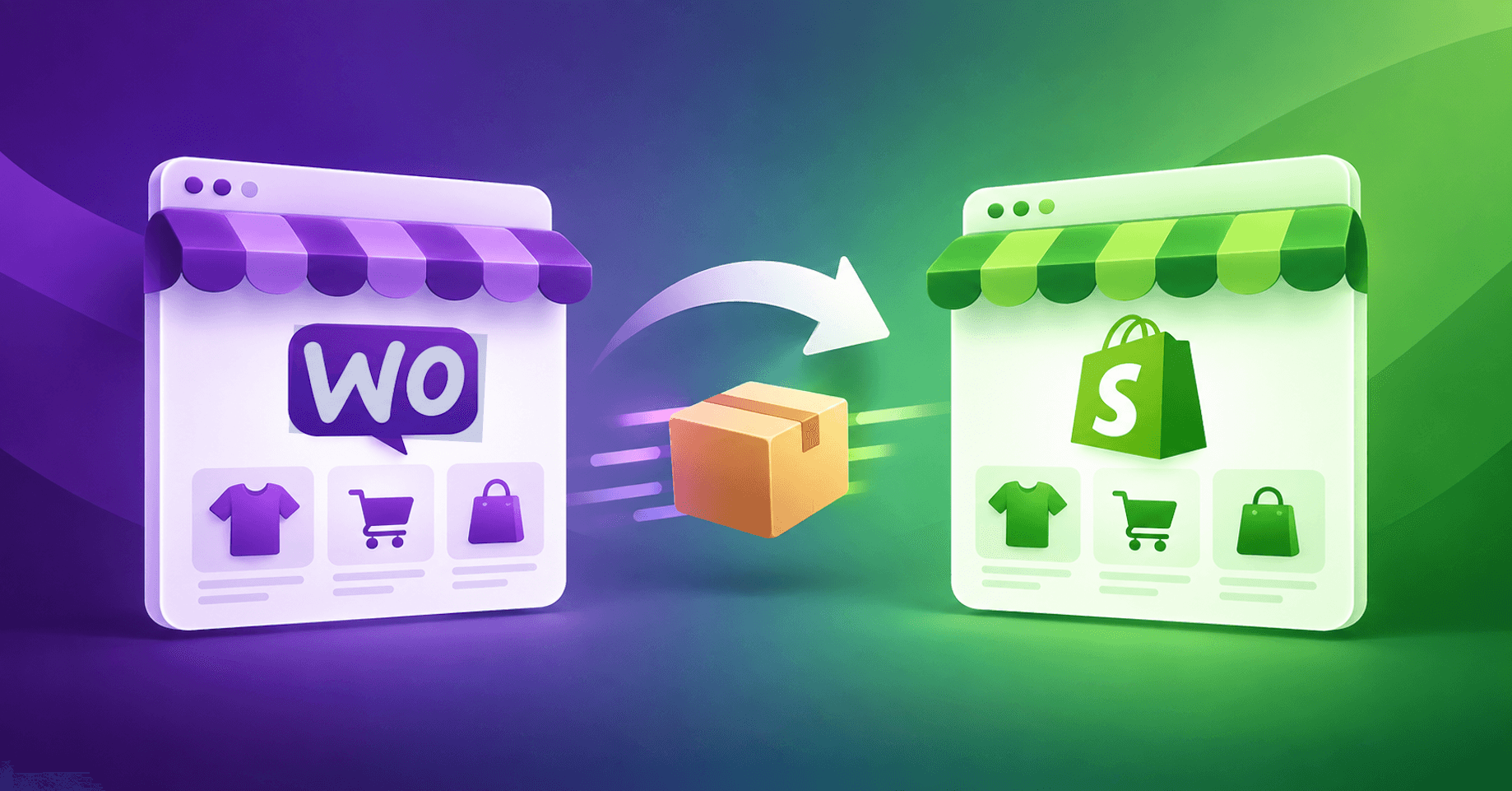
WooCommerce to Shopify Migration Without Losing SEO or Revenue
Every WooCommerce to Shopify migration scopes the build: the theme, the catalog, the apps, payments, QA. The work that has to survive the move usually has no owner. This is that half, with every number sourced.
Not sure where the gap is? That's exactly what the Digital Marketing Growth Audit is for.
A free, no-obligation look at where your site can win more traffic and conversions, with a clear digital marketing roadmap to get there. Just a straight read on where your digital presence stands and where it's headed.